
Everything you want to remember, in one app
Remember with photos. PicCue, the photo reminder app.
Download on theApp Store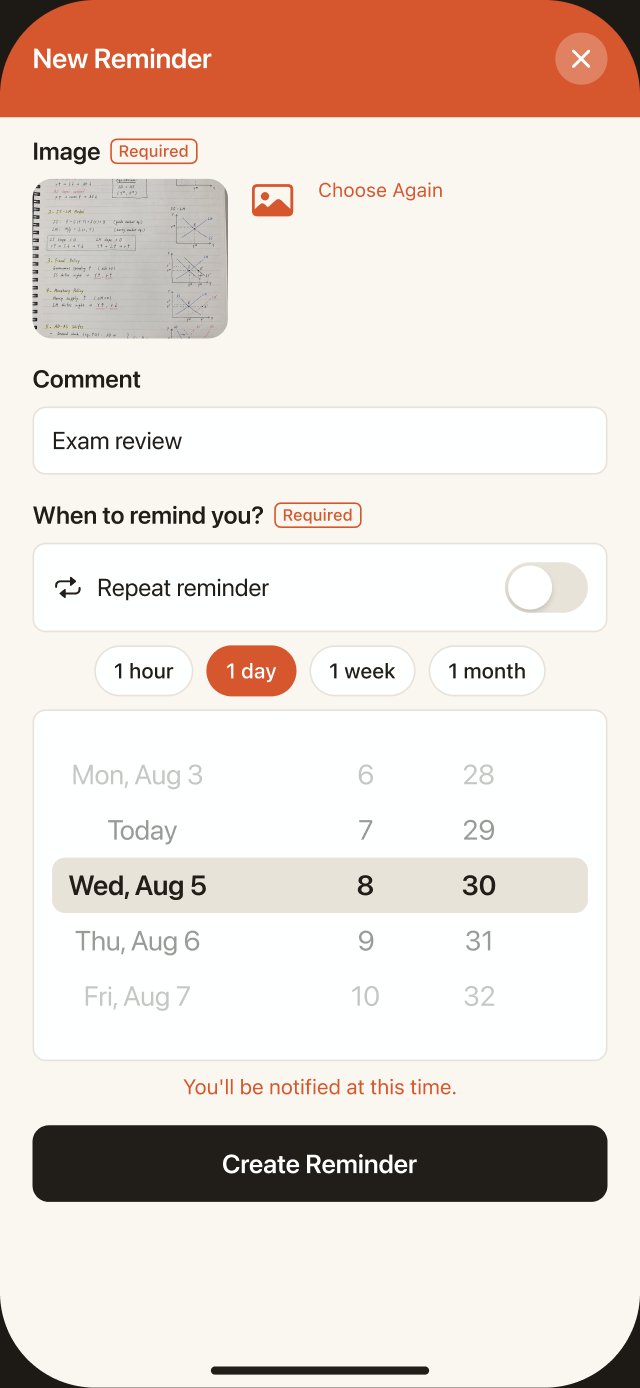
Made for everything
you want to revisit.
Study notes to memorize, this year's goals, daily meds, your dog's sleeping face, and more.
The photos you take "to look at later" sink to the bottom of your camera roll.
With PicCue, that photo comes back as a notification — right when you need it.
Three steps. That's it.
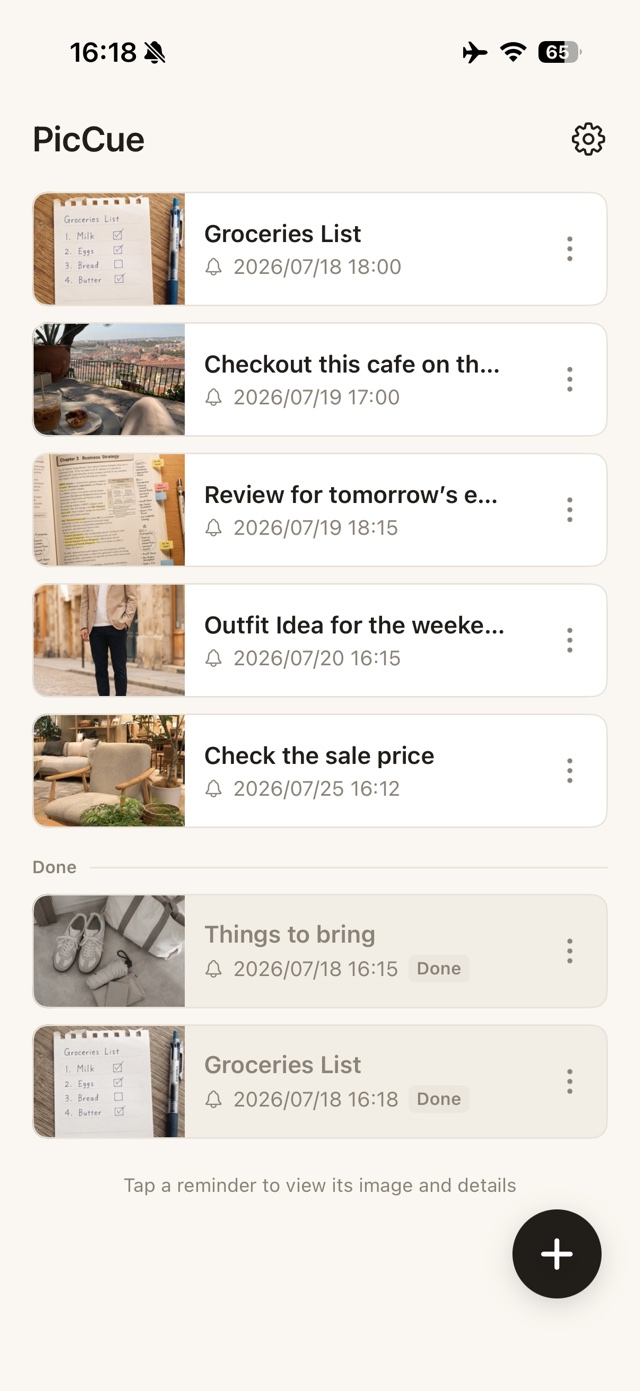
Pick a photo
Take one with the camera or choose from your library. Screenshots work too.



Choose when
"Tomorrow at 6 PM," "every Monday morning" — set the moment you want it back.
Get it as a notification — even offline
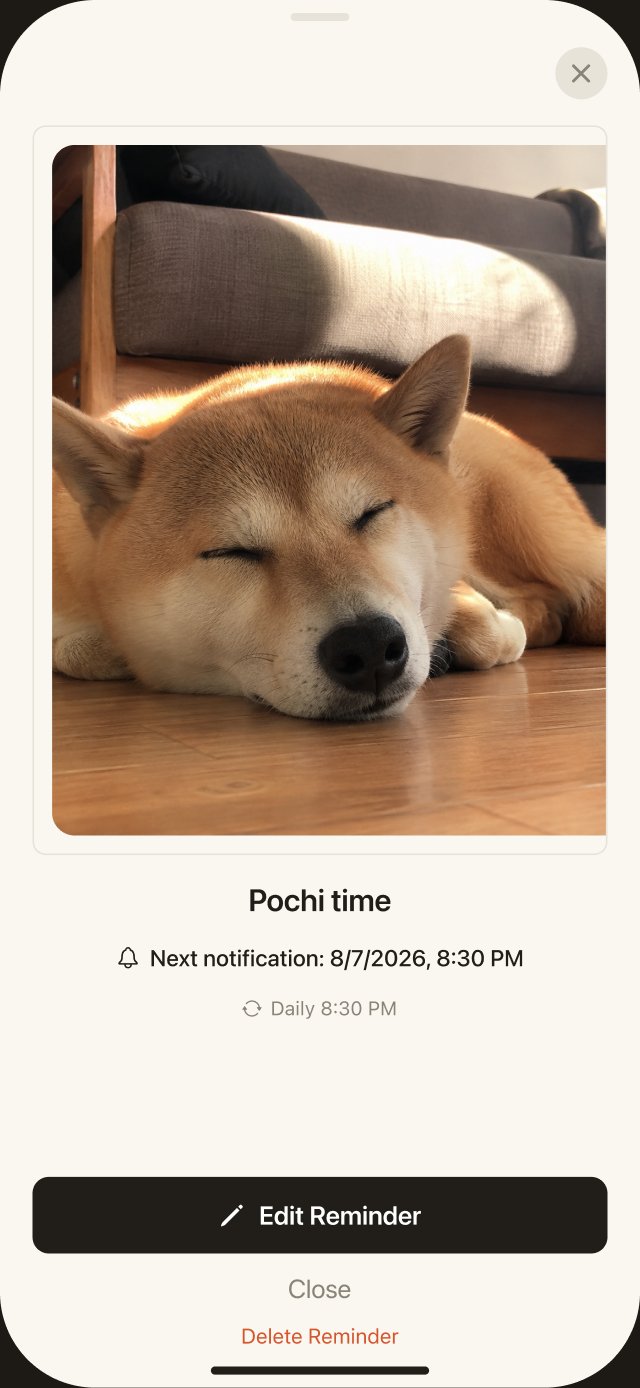
The image arrives right in the notification. Tap it to see the details.
Photos that make
great reminders.
Photograph the key points and turn your commute or bedtime into review time.
Have it arrive every Monday morning and turn your goals into action.
Send yourself a calming photo to relax in the middle of a busy day.
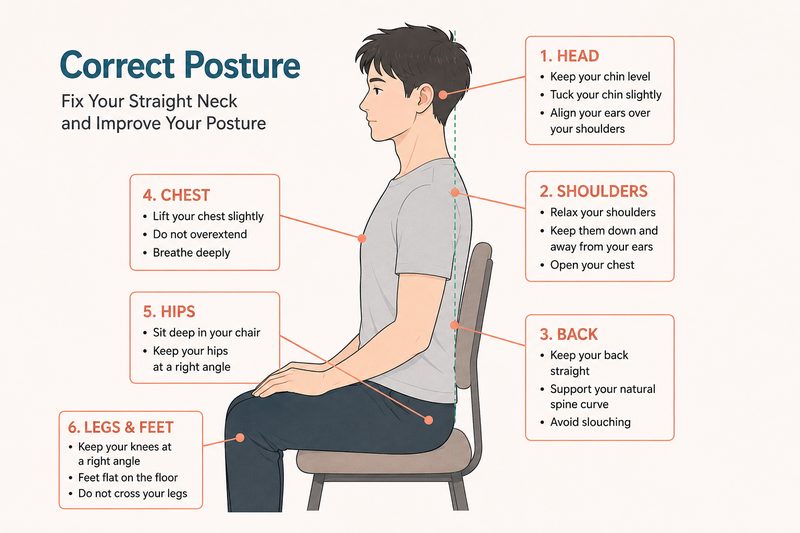
A nudge at the same time every workday to sit up straight.
A photo at 8 AM every morning, so you never skip a dose.
Your month,
at a glance.
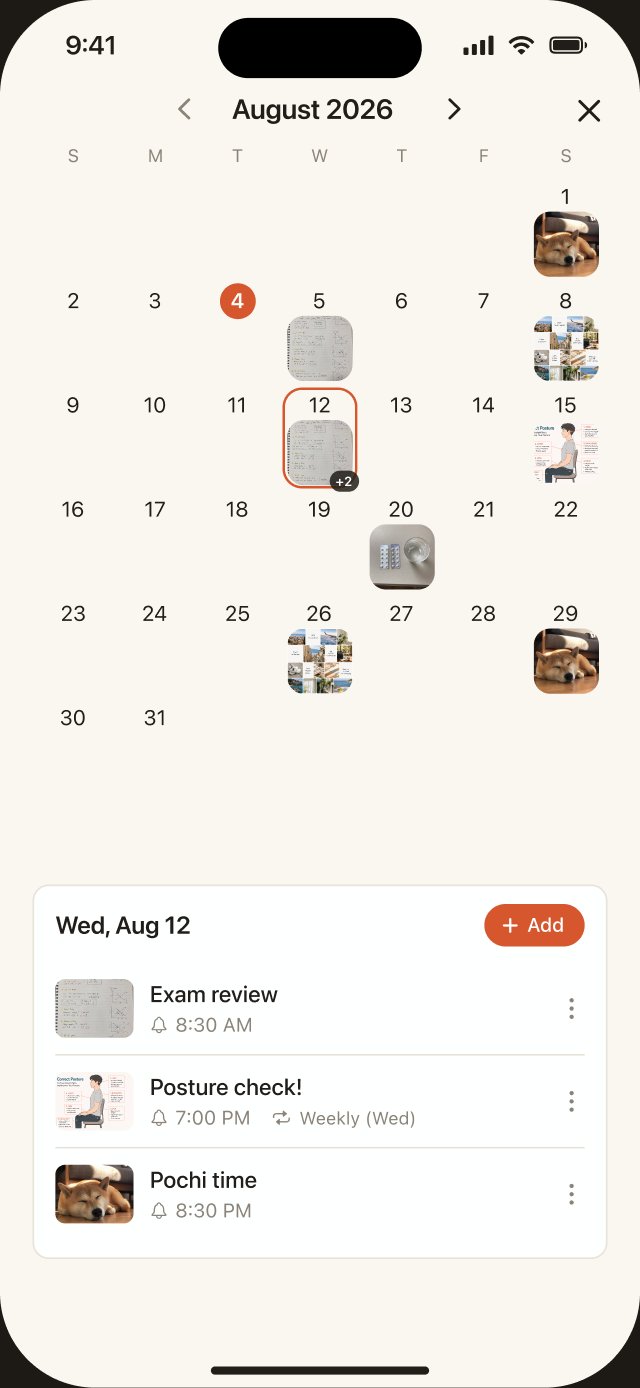
A photo calendar of your reminders
See which photo arrives on which day — as thumbnails, across the whole month.
Tap a day for the details
Tap any date to list that day's reminders. Adding new ones is easy, too.
Home Screen widget
Your next reminder is right on your Home Screen — no need to open the app.
The calendar view is part of PicCue Pro.
All your data stays
on your device.
No servers
Photos and reminders are stored only on your device. Nothing is ever uploaded.
No account needed
No email, no password. Open the app and start right away.
Works offline
Notifications are local to your device — they arrive even without an internet connection.
Start free.
Go Pro when you need more.
Free
- Up to 5 active reminders
- All core features
PicCue Pro
Yearly ¥3,000 (7-day free trial · save ¥1,800/year) or Lifetime ¥6,000
- 6 or more active reminders
- Recurring reminders (daily, weekly, monthly)
- Photo calendar view
Prices include tax. Cancel anytime. Lifetime is a one-time purchase — no subscription. The yearly plan starts with a 7-day free trial; you won't be charged if you cancel during the trial.
Frequently asked questions
Do notifications arrive without an internet connection?
Yes. PicCue uses local notifications that work entirely on your device, so they arrive at the scheduled time even offline.
Where are my photos stored?
Only on your device. Nothing is ever sent to an external server.
How much can I do for free?
You can keep up to 5 active reminders, and every core feature — including photo notifications — is free. Pro unlocks 6 or more reminders, recurring reminders, and the calendar view. The yearly plan includes a 7-day free trial with everything in Pro.
Can I cancel Pro?
Yes, anytime from your App Store subscription settings. The lifetime plan is a single purchase, so there is nothing to cancel.
Photo notifications, so you never forget to look back.

Questions? Reach us via the contact form.